Capturing local color with ‘Color’
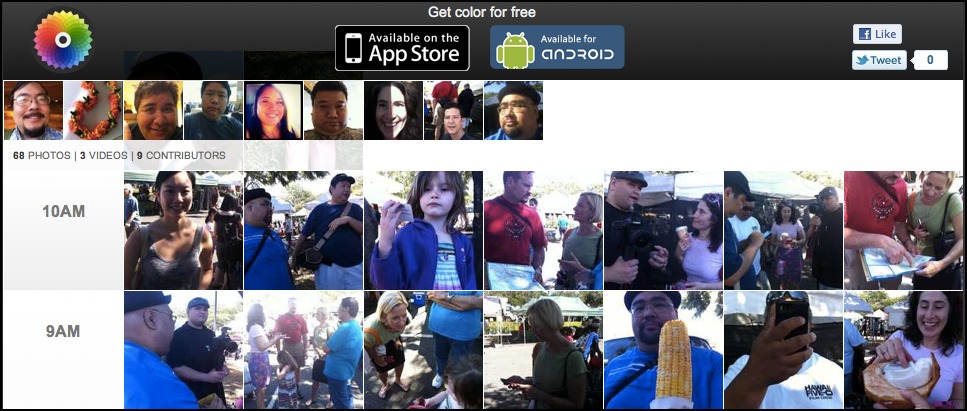
The new location-based photo sharing app “Color” made headlines for its $41 million in funding, then even more headlines for an avalanche of bad reviews, largely due to a confusing user interface, and an understandable lack of content. The app focused on location, not personal networks, so if you were the first person in your neighborhood to use Color, the only things you’d see in the app were your own photos.
I was among many geeks that jumped into Color right away, and after getting lost in a virtual ghost town of inexplicable icons, I feared I just wasn’t smart or cool enough to get it.
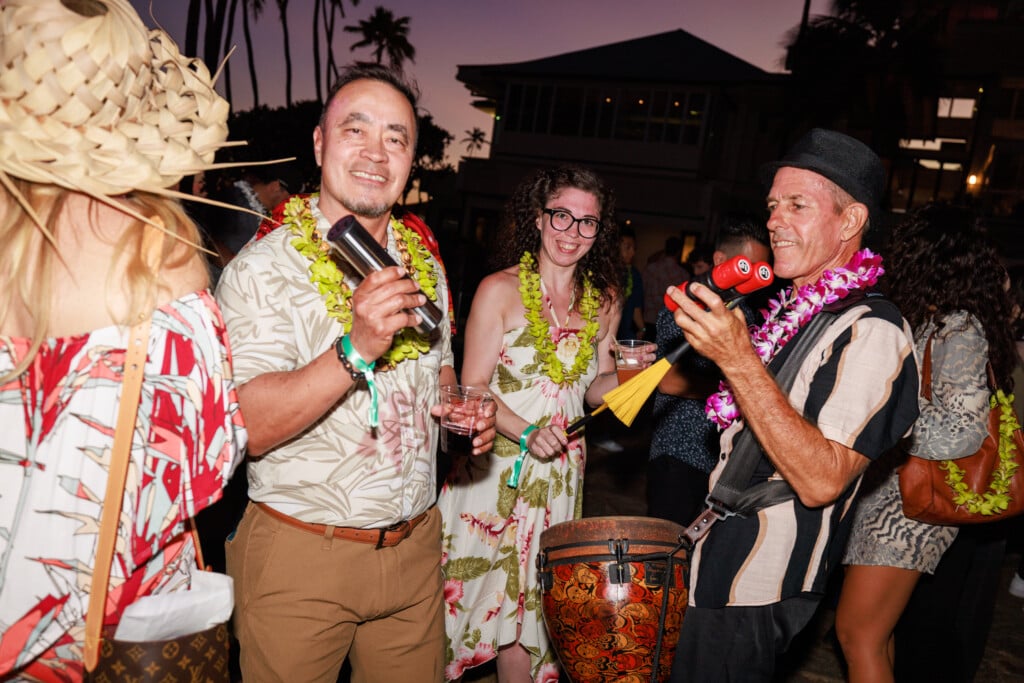
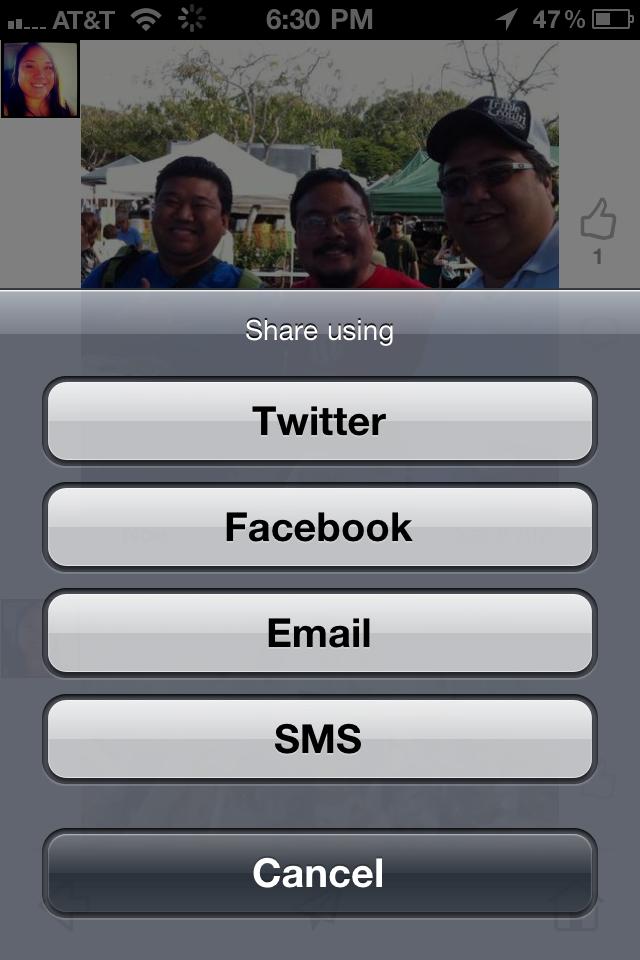 Fortunately, founder Bill Nguyen took the feedback to heart, and his well-funded team was able to push out a quick update that improved the interface, and added all-important sharing options. (If you could only see Color photos in the app, it would’ve been a non-starter.) And during a recent meetup at the KCC Saturday Farmer’s Market, the promise of Color finally became clear.
Simply put, Color is no fun when you’re alone.
But, if you’ve ever struggled to put together a photo gallery of photos from an event, built with pictures from several different people, you know exactly the problem that Color helps solve.
Sure, if your friends are geeks, you can have them upload their photos to Flickr and tag them with a special keyword. If not, you’ll have to track them all down and have them send their photos to you, leaving you to upload them all. And where do you put them? Flickr? Facebook? Picasa? Heaven help you if you need to keep track of who took which picture.
And what about the ten other people who were there, taking pictures, but that you’ve never met?
Enter Color. “Take pictures together,” reads the tagline, and the site explains: “Simultaneously use multiple iPhones and Androids to capture photos, videos, and conversations into a group album. There’s no attaching, uploading, or friending to do.”
Color automatically groups photos taken within a specific area (generally 150 square feet). And… that’s it. It doesn’t care if you’re Facebook friends, or if you follow them on Twitter, or if you’ve never even met any other user. At the Farmers Market event, smartphone users just fired away, taking pictures and brief video clips of everyone and everything, and since we were all standing in the same area, all our photos turned up in a single album.
Indeed, if another random user who just happened to be walking past looked at the Color app on her phone, she would’ve seen all of our photos, whether she was a local geek or just a visiting tourist. And we looked friendly enough, perhaps she’d decide to join us.
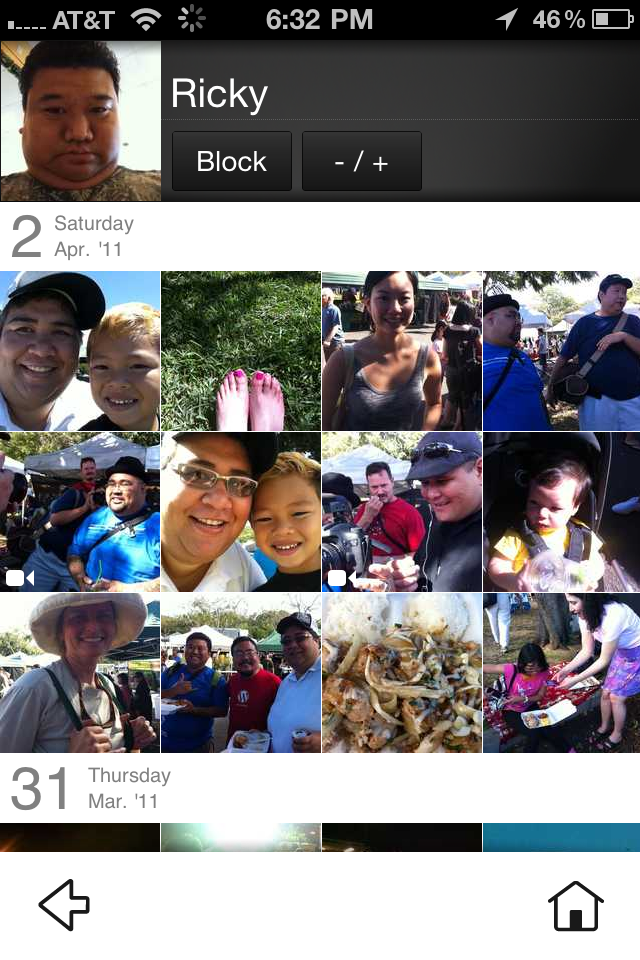 Finally, once you’ve wandered into the sphere of another Color user and looked at a photo or two, you can view a gallery of that user’s latest photos, and choose to see more or less of them in the app. It’s not quite “following,” but it’s a start.
Someone described Color’s automatic event galleries as “facilitated serendipity.” At a large festival or convention, or even in a city with a high concentration of smartphone users, the app offers a unique glimpse into the lives and activities of people nearby… for better or worse.
To be sure, you could just as easily see Color galleries as evidence of how you’re surrounded by people who are having more fun than you. And again, if you only launch Color when you’re at home, the app could be a very lonely place indeed.
But before you write Color off as simply Exhibit A in the case for another tech bubble (where, admittedly, an entire company could be launched for what Color spent just to get the Color.com domain name), get out, meet up, and fire it up with friends.
Color is a free download in the iTunes App Store and an update to the Android version is due soon in the Android Marketplace.